> ## Documentation Index
> Fetch the complete documentation index at: https://docs.getmonita.io/llms.txt
> Use this file to discover all available pages before exploring further.
# Disable Alert(s)
> Learn how to disable a disabled alerts
This article explains how to de-activate a alert in Monita. Alerts are used to create notifications which can alert you when specific scenarios occur over a set period.
Once alerts are deactivated you will no longer receive Slack/Email notifications. If you would like to stop receive a notification for a single tag, instead Update the alert and by removing the tag reference from the alert.
### Instructions
1. Go to alerts page
2. Press the toggle switch on any alert you wish to deactivate
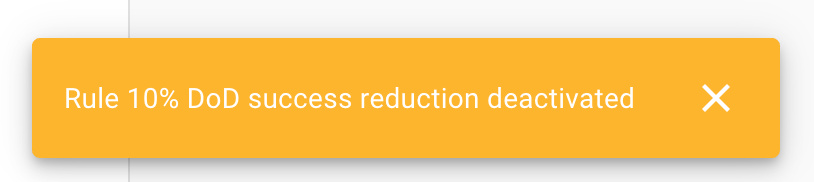
 3. A toast notification will confirm the alert has been deactivated