Once alerts are deactivated you will no longer receive Slack/Email notifications. If you would like to stop receive a notification for a single tag, instead Update the alert and by removing the tag reference from the alert.
Instructions
- Go to alerts page
- Press the toggle switch on any alert you wish to deactivate

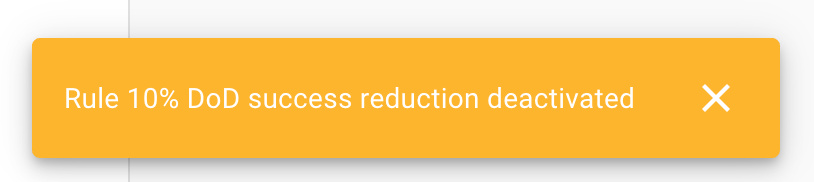
- A toast notification will confirm the alert has been deactivated