Instructions
- Login to the app
- Go to Integrations
- Click ‘New Integration’
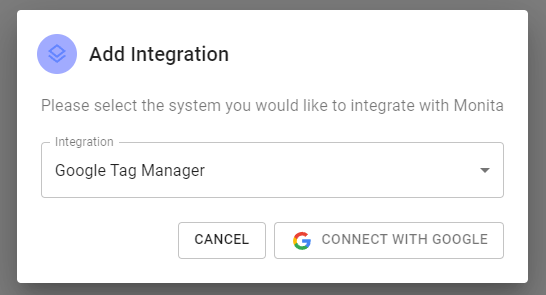
- Select Google Tag Manager and press ‘Connect with Google’
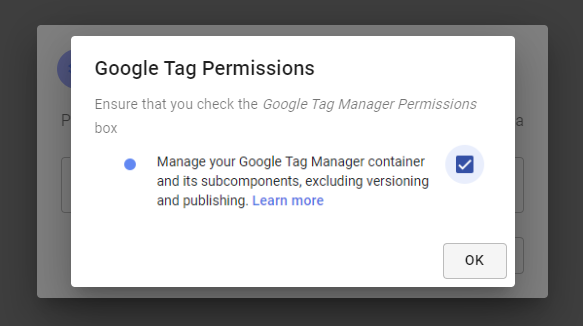
- Confirm GTM permissions required by checking the boxes (view may vary from image)
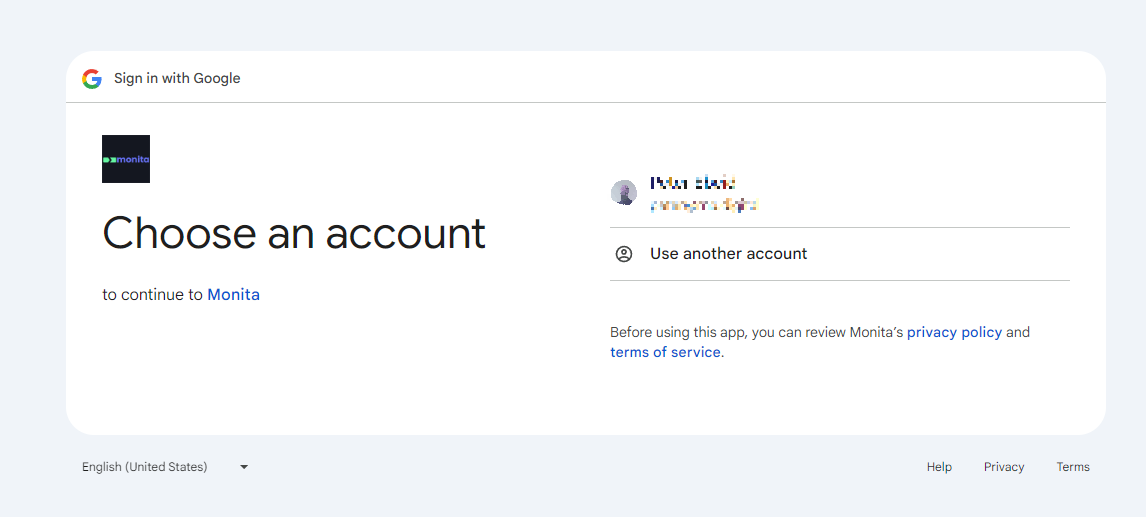
- Select Google Account. You may see a different screen if the user is not logged into any Google account, or the target Google account is not logged in.
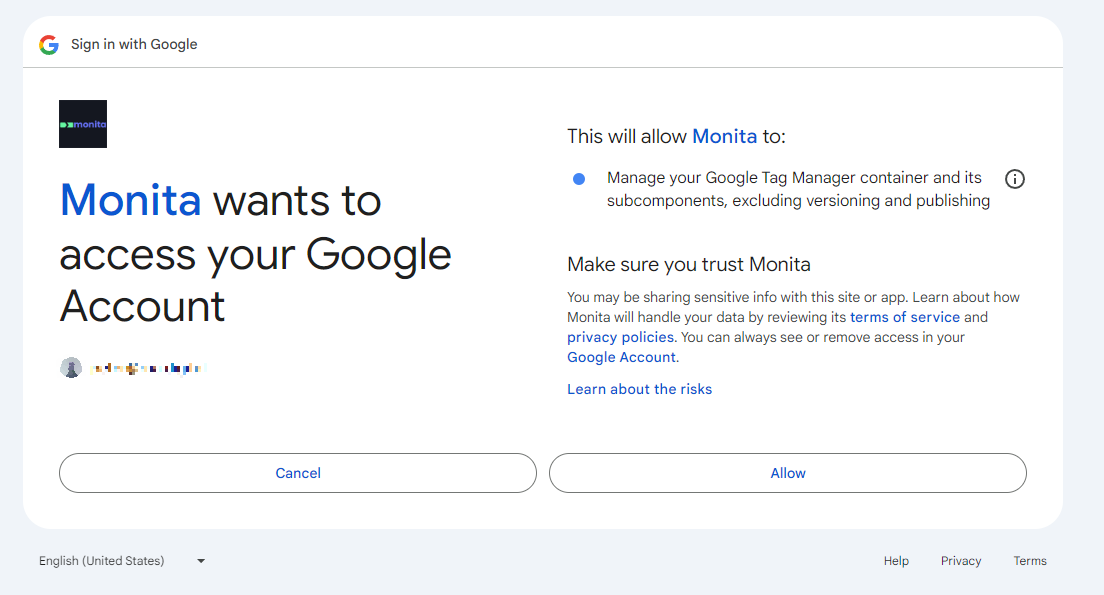
- Confirm permmissions being allowed to Monita
- If integration is successful, a tile will appear with a green status light.
 After connecting it may take up-to 5mins before your containers propagate into our system. Please allow time after before deploying tags.