Instructions
- Login to the app
- Go to Integrations
- Press ‘Disconnect’ on integeration card
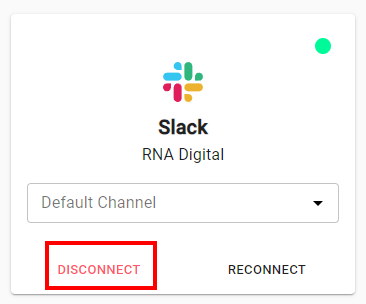
- The integration should disappear if successful.
Disconnecting integration from 3rd-party system first may cause the integration to break in Monita.
Learn how to disconnect any integration in Monita, such as a GTM integration or Slack Workspace