Once alerts are Active you will begin receiving Slack/Email notifications if the alert condition is met.
Instructions
- Go to alerts page
- Press the toggle switch on any alert you wish to Activate
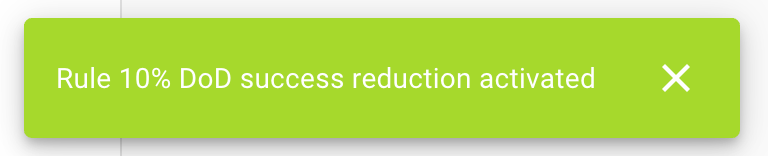
- A toast notification will confirm the alert has been Activated