
Instructions
- Login to the app
- Go to Integrations
- Click ‘New Integration’

- Select Slack and press ‘Connect with Google’
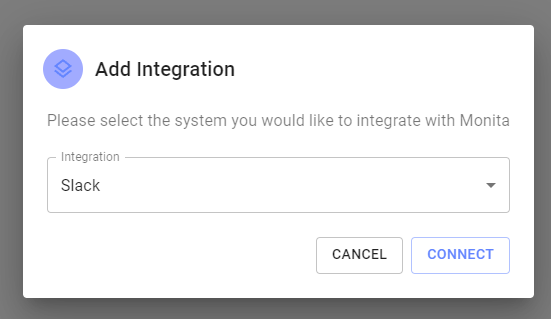
- Allow Slack to integrate with a workspace and select a channel which the App will post to
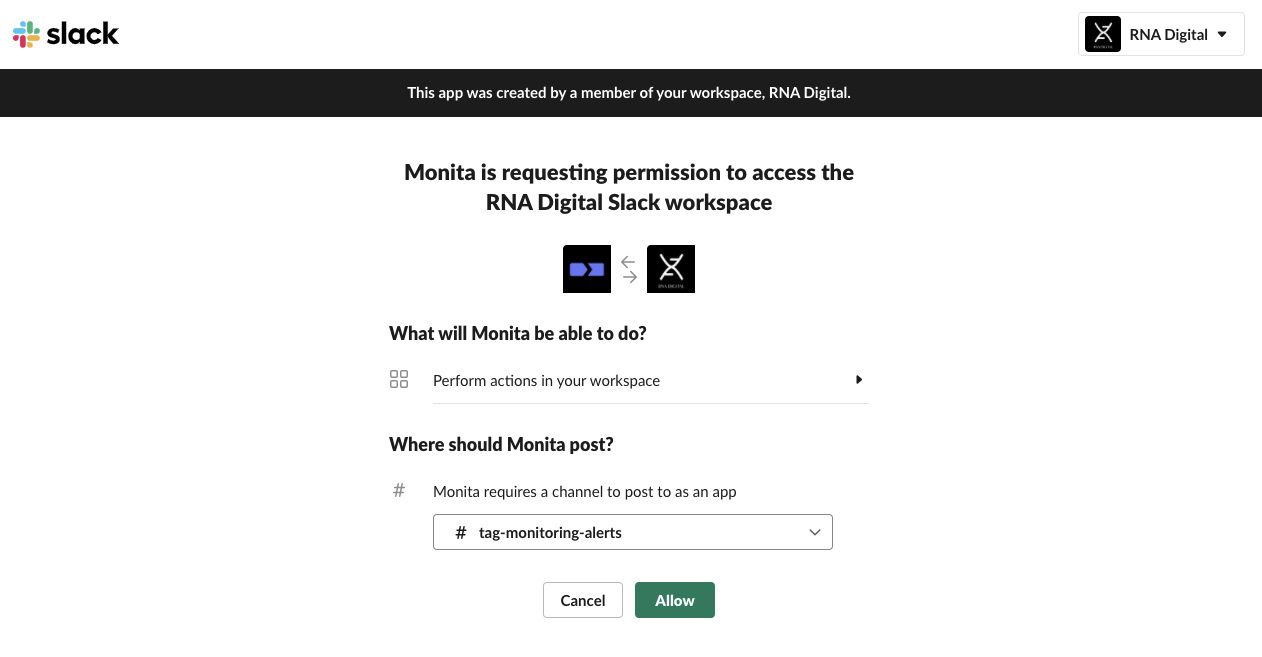
- Press ‘Allow’
- If integration is successful, a tile will appear with a green status light.

- (Optional) Select a default workspace. This will speed up alert ceration by negating the need to select a slack channel for alerts destination
 After connecting it may take a few minutes for the changes in the Slack workspace to take effect.