1. Confirm that any Monita changes in the tag manager have been ‘Submitted’ or ‘Published’ to production
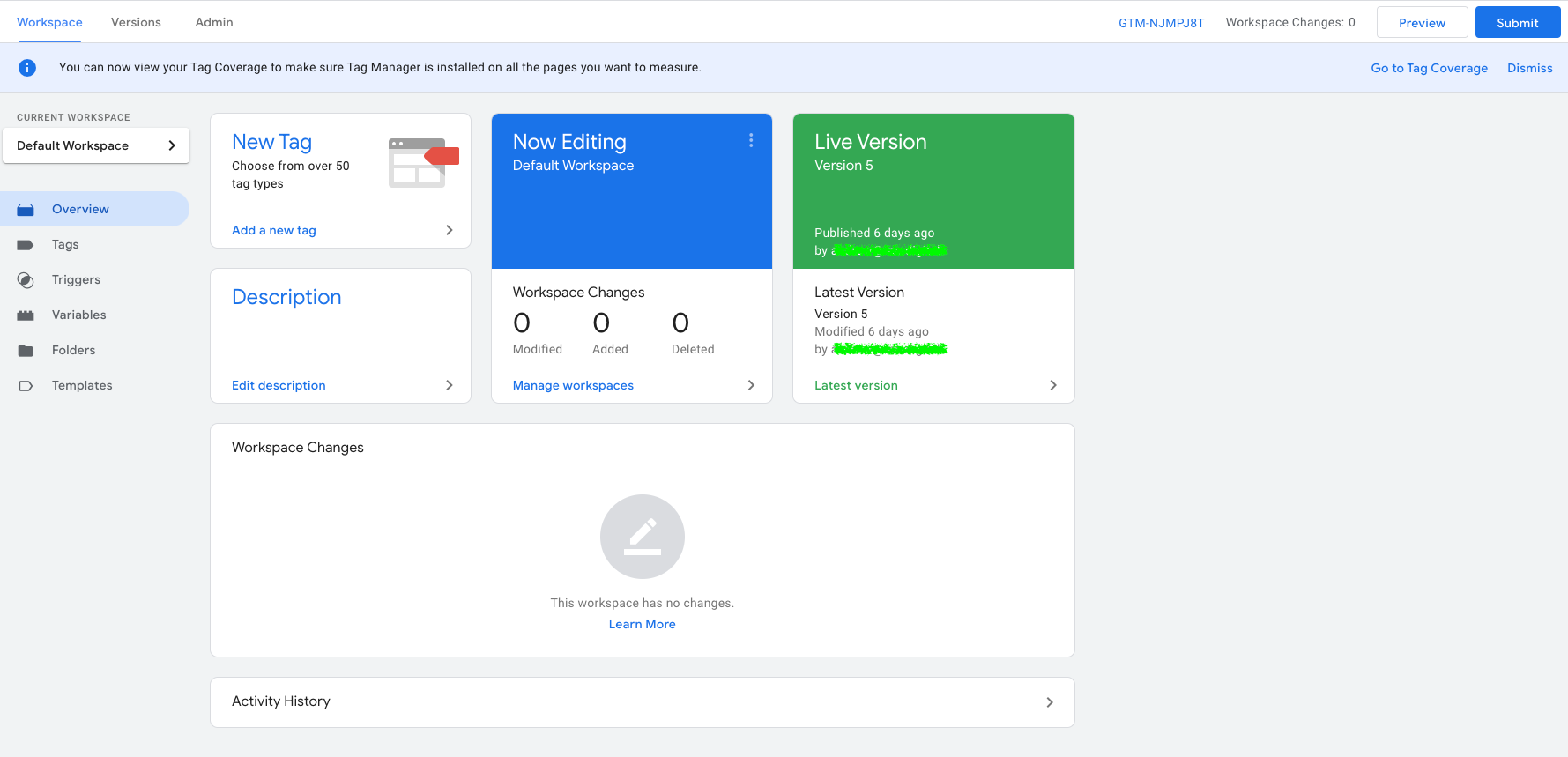
Google Tag Manager
Make sure to submit any changes Monita has made in the default workspace your tag manager container. Be careful not to deploy any of your own unfinished work.After submitting Monita changes, the workspace changes should be blank and your container version should have increased.
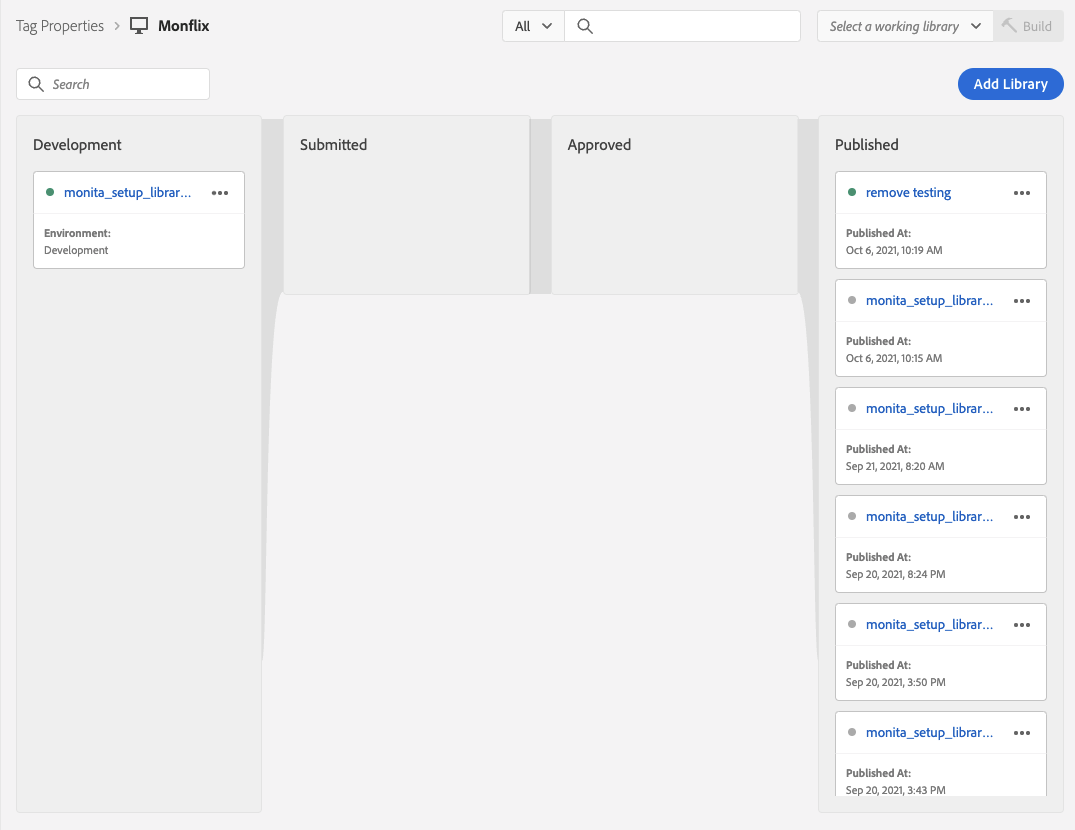
Adobe Launch
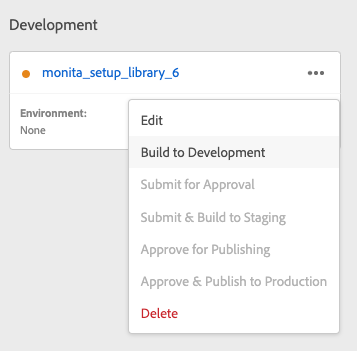
In order for Monita to receive requests you must Publish the monita_setup_library to the appropriate environment (dev/staging/prod).Please ensure the library is built/published to the environment you wish to run Monita on (dev/stage/prod)
Please ensure the library is built/published to the environment you wish to run monita on (dev/stage/prod)